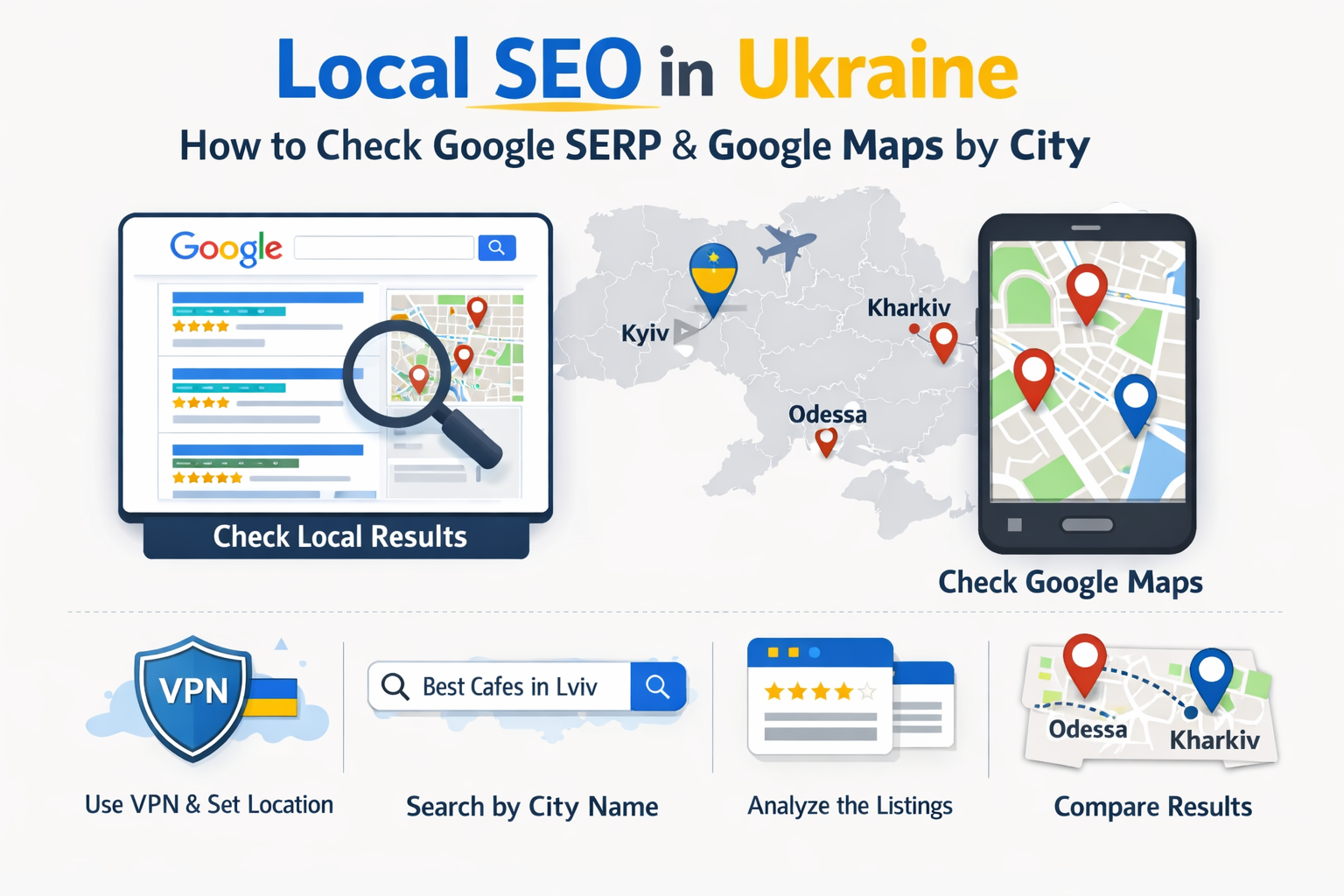
Local visibility in Google in Ukraine is no longer just “ten blue links”. For many commercial queries, users see the map block (the Local Pack) first, or they go straight to Google Maps. Organic results are still important, but in local intent queries they often sit below maps-driven elements and compete for less attention.
The hard part is measurement. Local results depend on the user context: city and sometimes district, device type, language, search history, precise location (GPS/Wi‑Fi), and how Google decided your location for that specific session. That is why “I checked via VPN” frequently produces a drifting picture that does not match what real users in Ukraine actually see.
What you are measuring: organic SERP, the Local Pack, and Google Maps
Before you collect any data, separate three layers of local visibility:
- Organic SERP — regular search results (websites, directories, articles, location landing pages).
- The Local Pack — the map module with 3–4 businesses from Google Business Profile. It can appear above organic results or mid‑page.
- Google Maps results — the in‑Maps list and place cards, with filters, categories, routes, and “open now” signals.
This separation matters because a brand can rank well organically and still miss the Local Pack, or the other way around. In many service categories, the Maps surface is where the customer journey starts.
Why results differ: location signals and personalization
Google’s local systems are designed to return the most relevant option for a user “here and now”. Google’s own guidance on local ranking describes the core factors as relevance, distance, and prominence/popularity.
Just as important: Google does not rely on IP alone. Search and Maps can use multiple signals together (device settings and permissions, browser/app context, and other location inputs) to estimate where you are.
Personalization adds another layer. When Search personalization is enabled, the ordering of some results can vary based on your activity and search history.
For local SEO measurement, the implication is straightforward: if you do not control and document the test conditions, you are measuring a random snapshot rather than a repeatable metric.
Why VPN checks often “drift”
A VPN changes your IP, but it does not automatically make you a typical local user of a specific Ukrainian city. In practice, the instability comes from a few common causes:
- IP geolocation is approximate. IP location is an estimate and can come with an accuracy radius; results vary by data provider.
- Datacenter IP pools. Many VPN endpoints sit in datacenters. They can look “non‑consumer”, and their city mapping can be inconsistent across databases.
- Mixed location signals. If the browser/app has precise location enabled, Google may receive GPS/Wi‑Fi location that conflicts with the VPN city.
- Session context varies. Cookies, sign‑in state, and fast IP rotation can change the context and the result set you see.
VPNs are fine for high‑level checks (for example, basic accessibility or country‑level localization), but they are often a poor instrument for city‑level Local Pack and Maps measurement in Ukraine.
Why a Ukrainian mobile carrier IP is closer to reality
Testing with a Ukrainian mobile IP (3G/4G/5G) tends to be closer to real user conditions for two reasons: it matches how a large share of local intent searches are performed (mobile), and it reduces the “datacenter noise” that comes with many VPN endpoints.
- More natural traffic profile. Mobile networks are a common environment for “nearby” queries.
- Less datacenter bias. Carrier IP ranges typically look like consumer traffic, not infrastructure traffic.
- Country consistency. For “Ukraine + city” scenarios, carrier IPs tend to produce more predictable localization than random VPN nodes.
- Better alignment with Maps. A mobile user‑agent plus a mobile IP is closer to the real Maps experience.
Important caveat: a mobile IP does not guarantee a precise point within a district. But for city‑level comparisons and ongoing monitoring, it usually reduces distortion compared to VPN-based checks.
Use cases that justify city‑level checks
For local SEO teams, agencies, and product marketers, city‑level verification is not “nice to have”. It is required in scenarios like these:
- City-by-city rank checks. Visibility for “pizza delivery”, “dentist”, “car service” can differ materially between Kyiv and Lviv even with the same site.
- Branch visibility control. Multi‑location brands need to confirm the right branch shows up in the right city, not just a national average.
- Competitor monitoring. Local Pack competitors can change by neighborhood. You need patterns: who consistently stays in top‑3 and where.
- New location launches. After opening or moving, you need to confirm Maps picked up the change and is not still biased toward an old address.
- Before/after validation. When you update categories, NAP, location pages, or reputation signals, you must observe the effect where it should happen — in the target city.
Measurement methodology: make the test comparable
The goal is not to replicate a single person. The goal is to build a repeatable test that represents a realistic user scenario for a given Ukrainian city. That requires consistent conditions.
1) Define a measurement matrix. At minimum: queries × cities × device type (desktop/mobile) × surface (SERP/Local Pack/Maps).
2) Define session rules. In most workflows, it is best to:
- use a dedicated browser profile or incognito mode;
- stay consistently signed out, or use one dedicated testing account (and control personalization);
- avoid mixing languages/countries within one dataset;
- keep one stable IP per city session (do not rotate for every single query).
3) Lock language and country signals. For Ukraine, teams typically fix the interface language and use UA as the country context to reduce cross‑border noise.
4) Timestamp everything. Record date/time, city, IP type, device type. Local elements can vary throughout the day.
Query control: explicit vs implicit geo intent
Not all “local” queries behave the same. Separate them in your keyword set and in reporting:
- Implicit local intent — no city name, but Google localizes the result: “sushi delivery”, “currency exchange”, “dentist”.
- Explicit geo modifiers — the city/district is in the query: “sushi delivery Lviv”, “dentist Pozniaky”.
- “Near me” intent — extremely sensitive to precise coordinates and hard to validate with IP alone.
Operational rule: keep “with city” and “without city” clusters separate. For multi‑branch brands, implicit queries often reward proximity, while explicit queries can behave more like relevance + local prominence within that city.
How to check Google SERP by Ukrainian cities
This is a practical workflow for manual audits and QA (when you need to see the result as a user would):
- Step 1: connect using a Ukrainian mobile IP for the target city. Ideally, keep the session stable for 10–20 minutes.
- Step 2: start a clean session. Incognito or a dedicated browser profile without location‑spoofing extensions.
- Step 3: verify the location Google detected. On many SERPs, Google shows the inferred location near the bottom; if it is wrong, the dataset is contaminated.
- Step 4: run the query and capture the surfaces. Record:
- whether the Local Pack appears and where it sits;
- which businesses are in top‑3/4 of the Local Pack;
- top organic results and your page position;
- special SERP features that push organic further down.
As a “clean context” control, you can also use Google Ads’ Ad Preview and Diagnosis tool with location settings. It does not replace real Local Pack/Maps behavior, but it can help you validate the non‑personalized SERP context.
For semi‑automated checks, some workflows use URL parameters to hint language/country and geocontext (such as UULE). This can help for organic results, but Local Pack behavior often relies more on real local signals.
How to check Google Maps and the Local Pack by city
Maps is heavily context‑driven. Your priority is to avoid conflicting location inputs.
Control location permissions. If location access is allowed, Chrome can obtain an estimated location via Google Location Services and share it with the site/app. On Android, you can manage permissions separately for the browser, Google Search, and Google Maps. If your test is “by city”, keep these permissions consistent to avoid mixing IP with GPS/Wi‑Fi.
Separate “city” testing from “district” testing.
- For city-level checks: stable Ukrainian IP, fixed language, repeatable workflow.
- For district-level checks: you need coordinate control (browser/device geolocation override or a geo‑grid approach), plus stable IP.
Define what a “position” means in Maps. Depending on your goal, you may track:
- rank in the list for a category query (“coffee shop”, “pizza”);
- brand visibility for name queries;
- appearance under filters (“open now”, rating, distance).
Quality control tip: run a couple of test queries first. If the context looks inconsistent (results jump between cities), restart the session and re‑validate the location input.
Repeatability: how to reduce noise
Local results are inherently variable. Your job is to design measurement so that real improvement is visible above that background variance.
- Repeat each measurement 2–3 times within one window (30–60 minutes) and use the median.
- Measure at comparable times if you compare week-over-week.
- Avoid excessive IP rotation — different IPs can map to different city contexts.
- Keep a change log (GBP edits, site changes, category changes, reviews) to explain movements.
Mini reporting template for clients or internal teams
A useful local report answers three questions: where we are visible, where we lose, what we do next.
1) Context and method (one page).
- cities covered and why;
- device type, language, country context;
- how location was set (Ukrainian mobile IP, clean session, stable IP per city);
- measurement dates/times and repetition rules.
2) Results table. Minimum columns:
- city;
- query / cluster;
- Local Pack presence and placement;
- your Local Pack rank (1–3/4 or out of pack);
- organic rank (top‑10/top‑20);
- notes (address updates, duplicate listings, strong aggregators).
3) Insights and actions. Group recommendations into:
- quick GBP fixes (categories, attributes, hours, photos, website link);
- location-page improvements (content, schema, internal linking);
- reputation work (reviews and responses);
- local mentions/citations (directories, media, partnerships).
4) Evidence. Add screenshots or saved references for key queries to reduce “we see different results” discussions.
Common mistakes that break measurements
- Mixing languages and country contexts within one dataset.
- Enabling precise geolocation while changing IP (conflicting signals).
- Rotating IP for every query, effectively changing the “city” mid-session.
- Comparing mobile and desktop results without separating reports.
- Not recording time and not repeating checks, making noise look like a trend.
How often to measure and how to read trends
Practical baselines:
- Weekly — competitive categories and frequent changes.
- Monthly — stable projects and long-cycle work.
- After major changes — moves, new categories, location page updates, duplicate cleanup.
When reading results, look beyond a single rank number: frequency of appearing in the Local Pack, stability in top‑3, competitor composition, and whether aggregators dominate organic results. Single-day spikes without confirmation are often just variance.
CTA
If you need consistent city‑level checks in Ukraine, work with Ukrainian mobile IPs in a controlled session and with fixed test parameters. This typically produces a more realistic Local Pack/Maps context and improves repeatability.
Connect Ukrainian mobile proxies and measure local results the way users see them in UA.